Dynamic vs. Static URLs: Which Is Better for SEO?
What's the difference between dynamic and static URLs, and which is better for SEO? A clear comparison with examples and practical advice for clean URLs.
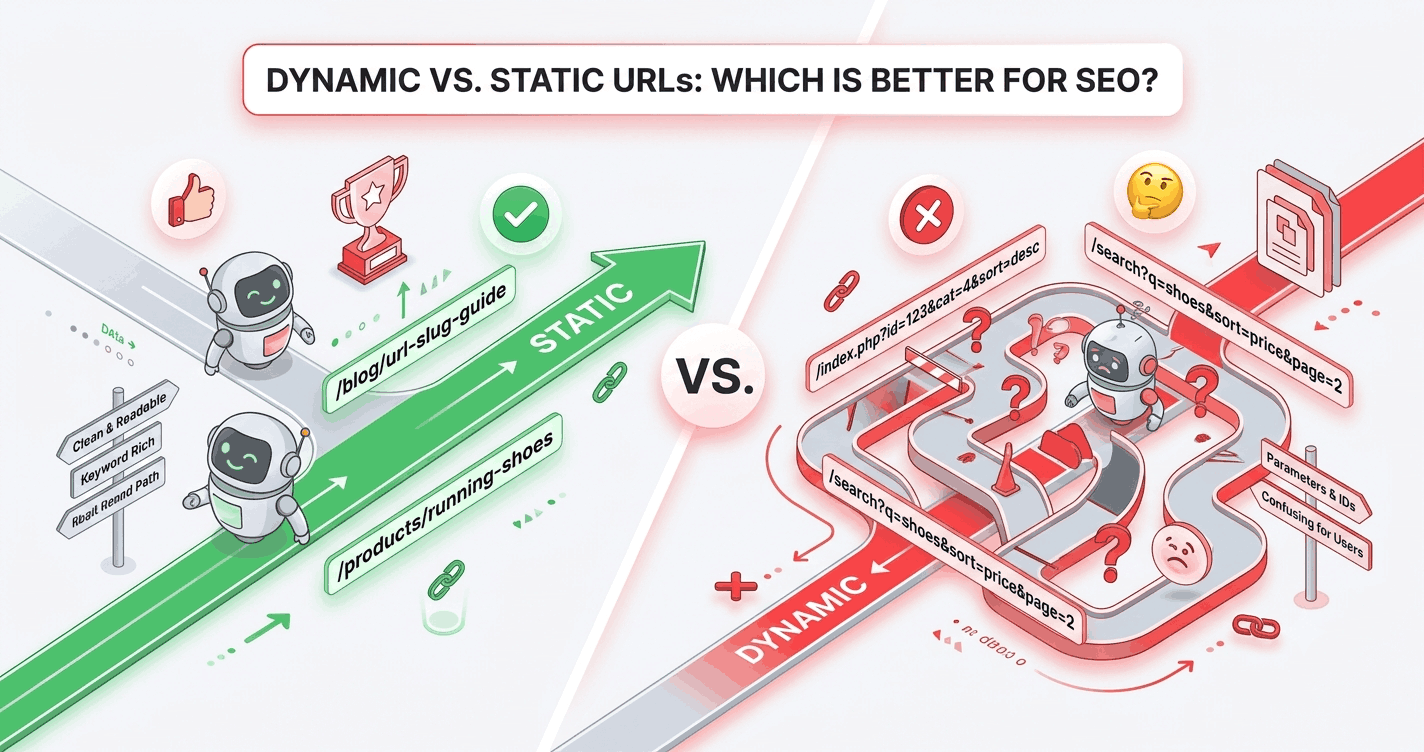
You've probably seen both kinds of URL: the clean, readable /blog/url-slug-guide and the cryptic /index.php?p=441&cat=7&ref=home. The first is a static URL; the second is dynamic. Here's the difference and which to prefer for SEO.
What's the difference?
Static URLs
A static URL looks fixed and human-readable. It uses words and folders, with no query parameters:
/blog/url-slug-guide
/products/running-shoes
The name doesn't mean the page is literally a static HTML file — modern sites generate these dynamically too. It means the URL is clean and stable.
Dynamic URLs
A dynamic URL contains query parameters — the ?key=value pairs a server uses to build a page on the fly:
/index.php?p=441&cat=7
/search?q=shoes&sort=price&page=2
These are generated from a database and often include IDs, session data, or filter settings.
Which is better for SEO?
For your primary, indexable content pages, static-style URLs win. They're more readable, more clickable, and easier for search engines to understand. The reasons mirror everything good about clean slugs:
- Readability —
/running-shoestells users and crawlers the topic;?p=441tells them nothing. - Keywords — static URLs can include your target keyword; parameter URLs usually can't.
- Click-through rate — a clean URL in the search snippet earns more clicks.
- Shareability — people trust and copy readable URLs more readily.
Google can crawl and index dynamic URLs perfectly well — this is a myth worth busting. The advantage of static URLs isn't that dynamic ones are "uncrawlable"; it's that static ones are clearer for humans, which drives the indirect SEO benefits.
When dynamic URLs are fine (and even correct)
Parameters aren't evil — they're the right tool for some jobs:
- Search results pages:
/search?q=shoesis expected and fine (usually noindexed anyway). - Filters and sorting:
?sort=price&color=redon a category page. - Tracking parameters:
?utm_source=newsletterfor analytics.
The rule of thumb: use clean static URLs for content you want indexed and ranked; use parameters for functional, non-canonical states like search, sorting, and tracking.
The duplicate-content trap
Dynamic parameters can spawn many URLs that show near-identical content:
/shoes?sort=price
/shoes?sort=name
/shoes?color=red&sort=price
Left unmanaged, these flood the index with thin duplicates. Control them with:
- Canonical tags pointing to the clean version
robotsrules to block crawling of parameter combinations- Consistent internal linking to the static URL
(This is especially important for e-commerce sites with faceted navigation.)
How to get static-style URLs
Most modern CMSs and frameworks let you map clean paths to dynamic content — that's how /blog/url-slug-guide can be database-driven yet look static. The piece you control is the slug: turn each title into a clean, word-based path instead of leaving an ID in the URL.
/post?id=441 → /url-slug-guide
Generate that slug in one click from your title.
The takeaway
Use clean, static-style URLs for content you want to rank — they're more readable, more clickable, and keyword-friendly. Reserve dynamic parameters for search, filters, and tracking, and manage the duplicate-content risk with canonicals. The crawlability myth aside, the real win of static URLs is clarity for the humans who click them.