How to Slugify a String in JavaScript (with Code)
A practical guide to converting any string into a clean URL slug in JavaScript — handling accents, special characters, and edge cases, with copy-paste code.
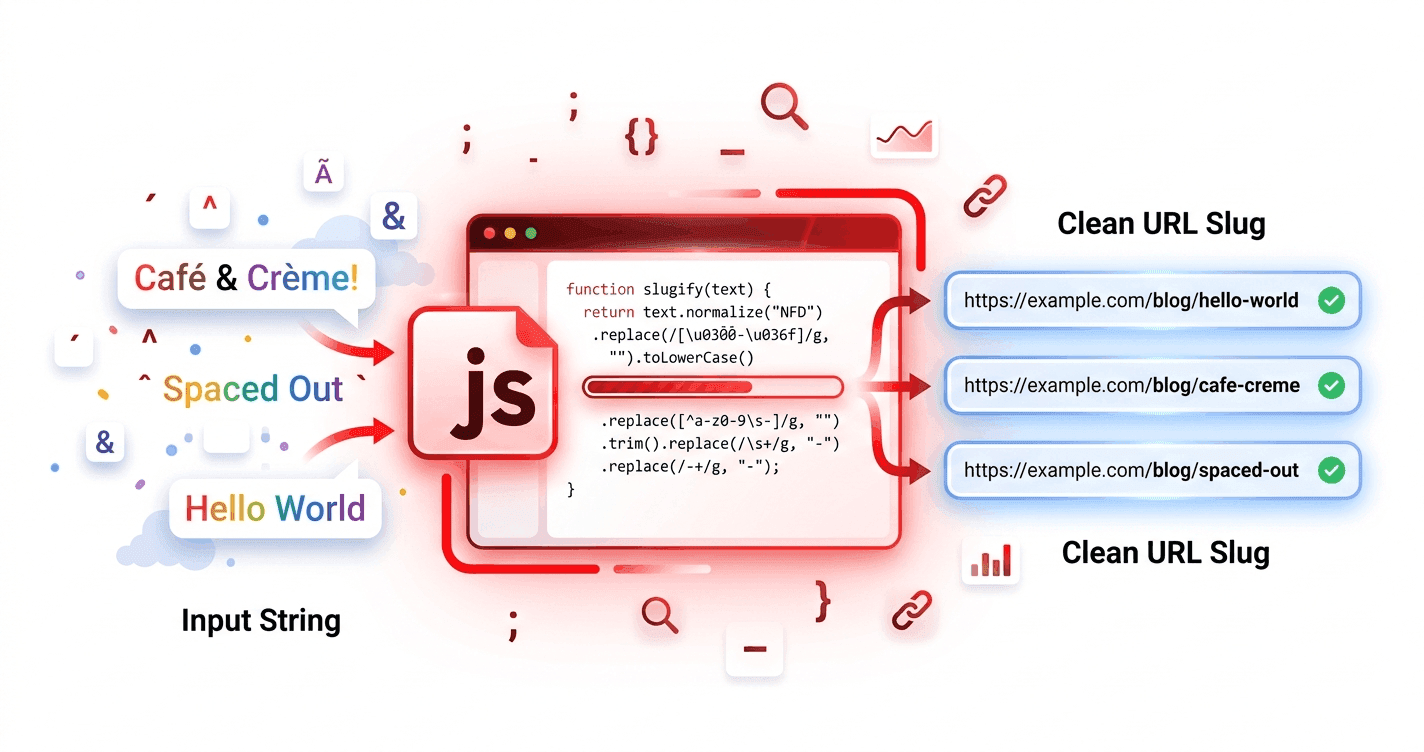
Turning a title into a URL slug is one of those tasks that looks trivial until you hit the edge cases: accented letters, emoji, double spaces, leading hyphens. This guide walks through a robust slugify function in JavaScript, building it up step by step.
Just need a slug right now? Paste your text into the URL slug generator — no code required. Read on if you want to build it yourself.
The naive version (and why it breaks)
The simplest possible slugify looks like this:
function slugify(text) {
  return text.toLowerCase().replace(/\s+/g, '-')
}

slugify('Hello World') // "hello-world"
It works for clean English input, but it falls apart fast:
slugify('Café & Crème!')   // "café-&-crème!"  ❌ keeps accents and symbols
slugify('  Spaced  Out  ') // "-spaced--out-"   ❌ stray and doubled hyphens
We need to handle accents, strip unwanted characters, and clean up the edges.
A robust slugify function
Here's a version that handles the common cases:
function slugify(text) {
  return text
    .toString()
    .normalize('NFD')                   // split accented letters into base + mark
    .replace(/[̀-ͯ]/g, '')    // remove the diacritical marks
    .toLowerCase()
    .trim()
    .replace(/[^a-z0-9\s-]/g, '')       // strip anything that isn't a letter, number, space, or hyphen
    .replace(/\s+/g, '-')               // spaces → hyphens
    .replace(/-+/g, '-')                // collapse multiple hyphens
    .replace(/^-+|-+$/g, '')            // trim hyphens from the ends
}
Let's test it:
slugify('Café & Crème!')                       // "cafe-creme"
slugify('  The Ultimate Guide to SEO  ')       // "the-ultimate-guide-to-seo"
slugify('Diseño Web en España')                // "diseno-web-en-espana"
Much better.
How each step works
normalize('NFD')decomposes characters likeéintoe+ a combining accent mark.replace(/[̀-ͯ]/g, '')deletes those combining marks, leaving the base letter (e).toLowerCase()enforces lowercase URLs.replace(/[^a-z0-9\s-]/g, '')removes punctuation, symbols, and emoji.- The hyphen steps convert spaces, collapse repeats, and trim the ends so you never get
--or a leading-.
Adding optional stop-word removal
To drop stop words, filter them out before joining:
const STOP_WORDS = new Set(['a', 'an', 'the', 'and', 'or', 'of', 'to', 'in', 'on', 'for', 'with'])

function slugify(text, { removeStopWords = false } = {}) {
  let words = text
    .normalize('NFD')
    .replace(/[̀-ͯ]/g, '')
    .toLowerCase()
    .replace(/[^a-z0-9\s-]/g, '')
    .trim()
    .split(/[\s-]+/)
    .filter(Boolean)

  if (removeStopWords) {
    words = words.filter(word => !STOP_WORDS.has(word))
  }

  return words.join('-')
}

slugify('The Best Tips for Writing a Blog Post', { removeStopWords: true })
// "best-tips-writing-blog-post"
The limits of the Latin-only approach
This function works for English, French, and Spanish because they use the Latin alphabet. But it deletes non-Latin scripts entirely:
slugify('أفضل نصائح السيو') // "" ❌ empty string
For Arabic and other non-Latin languages, you need a different strategy: preserve the script and strip only diacritics, rather than removing everything outside a–z. That's a meaningfully more complex problem — see URL slugs for non-Latin languages.
When to use a library or tool instead
Rolling your own is great for learning and for full control. But if you need to handle many languages, RTL text, and per-language stop words, a dedicated tool saves time and edge-case headaches. Slugme.io does all of this in the browser with language-aware engines for English, Arabic, French, and Spanish — and you can see the rules it applies before you ship them in your own code.
The takeaway
A solid JavaScript slugify normalizes accents, lowercases, strips unwanted characters, and tidies the hyphens. Add stop-word filtering when you want shorter slugs. Just remember the Latin-only limitation — non-Latin scripts need dedicated handling.