Why URLs Should Always Be Lowercase
Uppercase letters in URLs can create duplicate content and broken links. Learn why URLs should be lowercase and how to enforce it across your site.
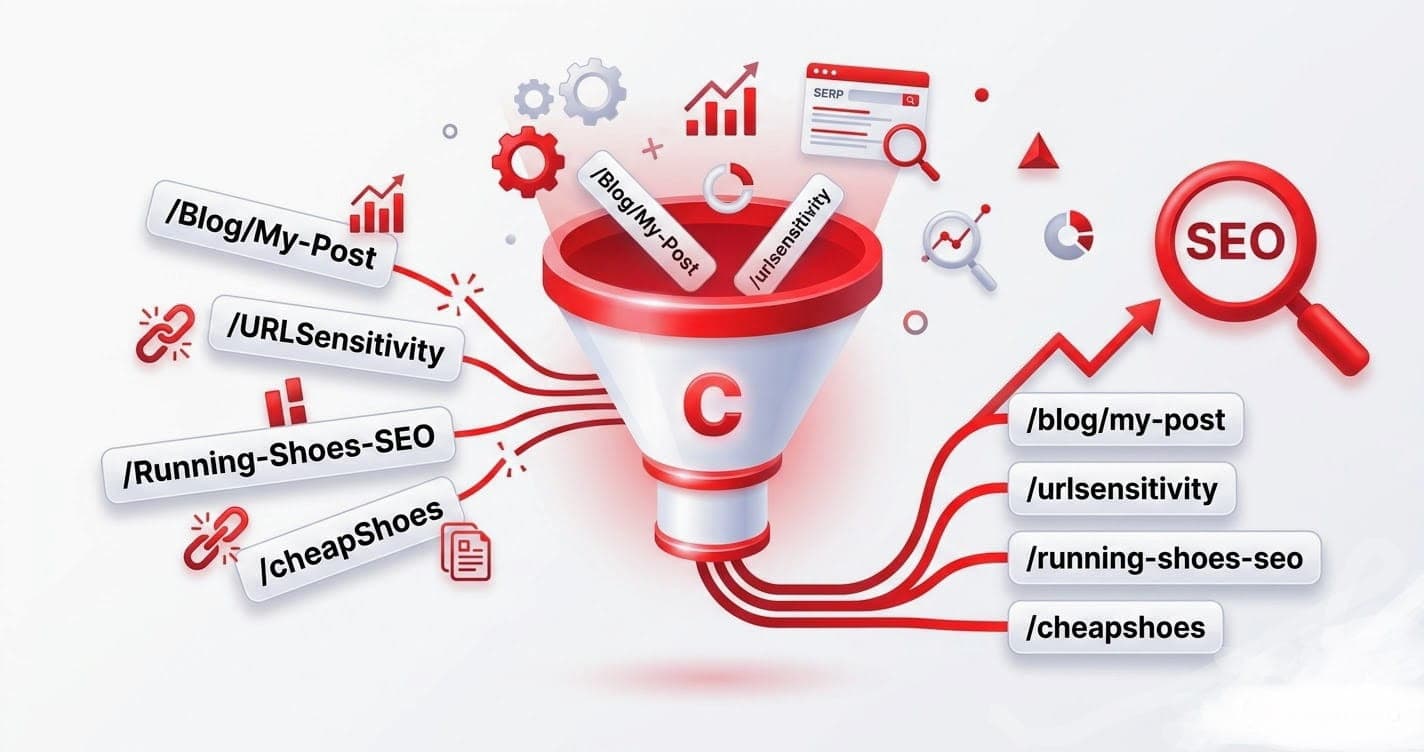
It looks harmless: /Blog/My-Post instead of /blog/my-post. But that single capital letter can split your traffic, create duplicate content, and produce 404s. Here's why URLs should always be lowercase — and how to make sure they are.
URLs can be case-sensitive
Here's the catch that trips people up: the path part of a URL is often case-sensitive. On many servers (especially Linux-based ones), these two addresses are treated as different pages:
https://example.com/blog/my-post
https://example.com/Blog/My-Post
The domain (example.com) is always case-insensitive, but everything after it may not be. That difference is where the problems start.
The problems uppercase causes
1. Duplicate content
If both /My-Post and /my-post resolve to the same content, search engines may see two URLs with identical content. That can split ranking signals between them and dilute the authority that should be concentrated on one address.
2. Broken links and 404s
If your page lives at /my-post but someone (or your own template) links to /My-Post, a case-sensitive server returns a 404. Visitors hit a dead end and you lose the click.
3. Messy analytics
Mixed-case URLs show up as separate rows in your analytics. /my-post, /My-Post, and /MY-POST get counted independently, fragmenting your data and making pages look less popular than they are.
4. Inconsistent sharing
When people copy a mixed-case URL, capitalization can vary. Lowercase URLs are predictable and consistent wherever they're shared.
The rule: lowercase everything
Make every URL lowercase, every time. There's no SEO benefit to capital letters in a slug, and several risks. Lowercase is the safe, universal default.
Avoid:  /Products/Running-Shoes
Use:    /products/running-shoes
How to enforce lowercase URLs
1. Generate slugs in lowercase
Start clean. A URL slug generator outputs lowercase by default, so you never introduce capitals in the first place.
2. Add a server-side redirect
As a safety net, configure your server to 301-redirect any uppercase request to its lowercase version. This catches links from other sites and old templates. Most platforms (Nginx, Apache, Netlify, Vercel) support a lowercase-redirect rule.
3. Audit existing URLs
Crawl your site and look for any mixed-case URLs already published. Redirect them to lowercase and fix internal links that point to them.
A note on the rest of the URL
The query string and fragment can technically carry case, and some systems (like certain CDNs or tracking parameters) are case-sensitive there too. But for your slugs and paths — the parts you control and that get indexed — lowercase is always the right call.
The takeaway
URLs are often case-sensitive, so uppercase letters invite duplicate content, broken links, and fragmented analytics. Keep every slug lowercase, enforce it with a redirect, and clean up any stragglers.
The easiest prevention is to never type a capital in the first place — generate lowercase slugs automatically. For the broader picture, see the SEO slug best practices.